
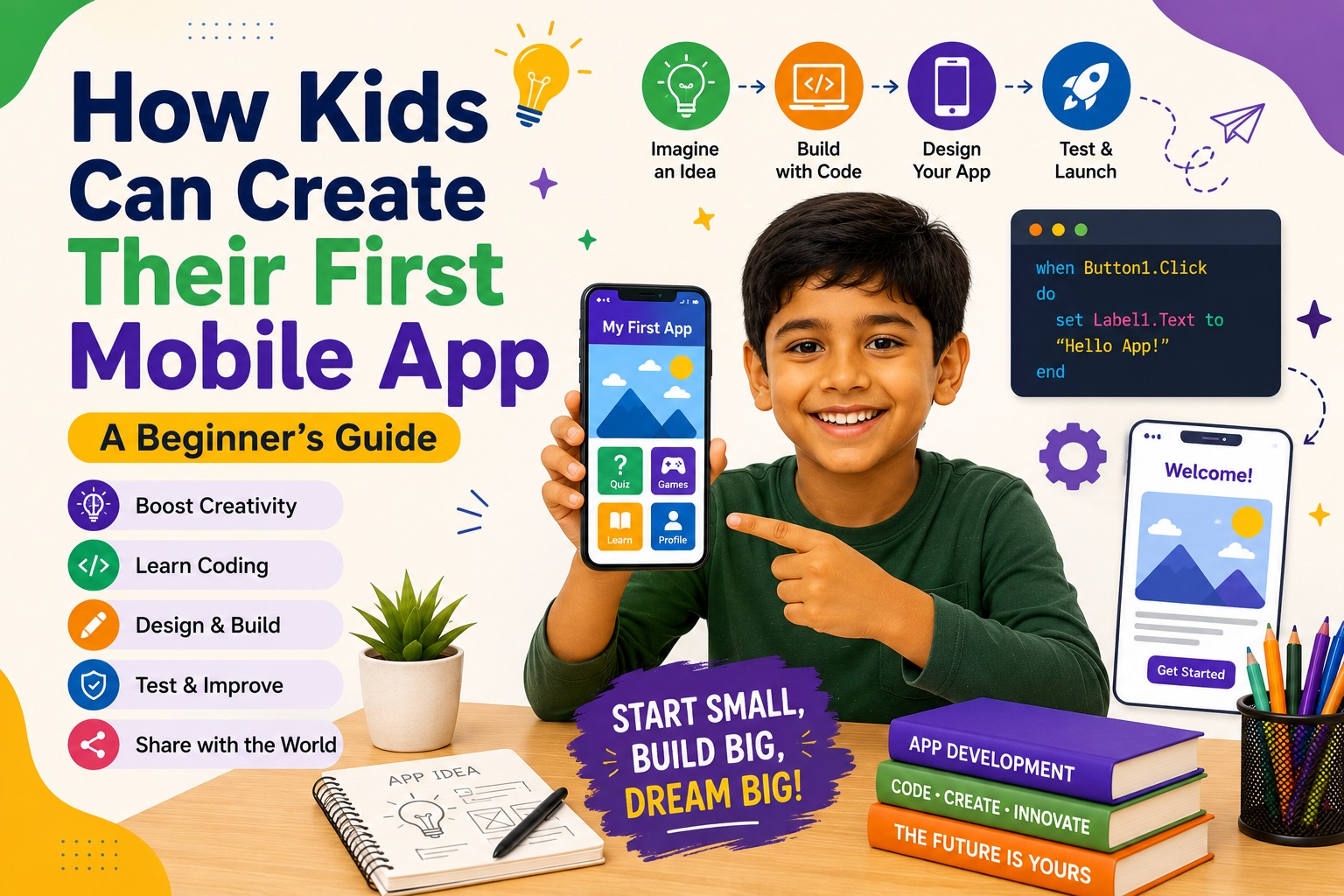
How Kids Can Create Their First Mobile App: A Beginner's Guide
In today's digital world, mobile apps have become an essential part of our daily lives. Whether it's playing games, learning new skills, watching educational videos, or communicating with friends and family, children use mobile apps every day.
But have you ever wondered who creates these apps?
The exciting answer is that kids can create mobile apps too! With beginner-friendly tools and proper guidance, children can learn app development while improving creativity, logical thinking, and problem-solving skills.
In this guide, we'll explore how kids can build their first mobile app and why app development is one of the best ways to start learning technology.
What is Mobile App Development?
Mobile app development is the process of designing and creating applications that run on smartphones and tablets.
Apps can be built for different purposes, such as:
- Educational learning
- Games
- Quiz applications
- Storytelling
- Health and fitness
- Productivity
- Entertainment
Every successful app begins with a simple idea.
Why Should Kids Learn App Development?
Learning to build mobile apps helps children become creators instead of just users of technology.
App development encourages children to think creatively while learning valuable technical skills.
Some key benefits include:
- Improves problem-solving skills
- Develops logical thinking
- Boosts creativity
- Encourages innovation
- Builds confidence
- Strengthens digital literacy
These skills are useful not only in coding but also in academics and future careers.
What Do Kids Need to Build Their First App?
Getting started is easier than many parents think.
Children only need:
- A computer or laptop
- Internet connection
- Beginner-friendly app development platform
- Creativity and curiosity
Popular beginner tools include:
- MIT App Inventor
- Code.org App Lab
- Thunkable
- Scratch Extensions
These platforms allow children to create apps using simple drag-and-drop programming or beginner-friendly coding.
Steps to Build a Simple Mobile App
Step 1: Choose an Idea
Every app starts with a purpose.
Kids can build apps like:
- Calculator
- Quiz App
- Drawing App
- Daily Reminder
- Flashcards
- Story Book
- To-Do List
Choosing a simple project makes learning enjoyable.
Step 2: Design the User Interface
The user interface (UI) is what people see on the screen.
Children learn how to add:
- Buttons
- Images
- Labels
- Text boxes
- Background colors
- Icons
This helps them understand both creativity and design.
Step 3: Add Logic
Next comes coding.
Children learn how to make buttons perform actions, display messages, calculate answers, or navigate between screens.
This develops logical thinking and computational skills.
Step 4: Test the App
Testing helps children find and fix mistakes.
They learn to:
- Identify errors
- Improve functionality
- Enhance user experience
Debugging teaches patience and persistence.
Step 5: Share with Friends and Family
Once the app is complete, children can proudly share it with parents, teachers, and friends.
Seeing others use their creation builds confidence and motivation.
Fun Mobile App Ideas for Kids
Here are a few beginner-friendly app ideas:
Quiz App
Create fun quizzes about animals, sports, science, or mathematics.
Drawing App
Allow users to draw using different colors and brushes.
Story App
Design interactive stories with pictures and buttons.
Healthy Habits Tracker
Build an app that reminds users to drink water or exercise.
Math Practice App
Help students solve simple arithmetic problems.
These projects make coding exciting and practical.
Skills Kids Learn Through App Development
Building apps teaches much more than programming.
Children develop:
- Creativity
- Problem-solving
- Critical thinking
- Logical reasoning
- Communication
- User experience design
- Computational thinking
- Digital confidence
These skills prepare them for success in many different careers.
Why Mobile App Development is Important
Smartphones are used all over the world, and mobile apps continue to shape how people work, learn, and communicate.
Learning app development helps children understand the technology behind these applications while encouraging innovation and creativity.
It also provides a strong foundation for future learning in:
- Artificial Intelligence
- Web Development
- Robotics
- Python Programming
- Game Development
How SmartTech Junior Helps Kids Learn App Development
At SmartTech Junior, students learn mobile app development through practical, project-based lessons designed for young learners.
Children create their own apps while exploring:
- App Design
- Coding Logic
- User Interface Design
- Problem Solving
- Creative Thinking
By working on real-world projects, students gain confidence and experience that prepares them for advanced technology learning.
Tips for Parents
Parents can encourage their child's interest in app development by:
- Appreciating their ideas and creativity.
- Encouraging them to complete small projects.
- Giving them opportunities to experiment.
- Celebrating every achievement.
- Supporting consistent practice.
Positive encouragement helps children enjoy learning and stay motivated.
Conclusion
Creating a mobile app is an exciting milestone for young learners. It combines creativity, technology, and logical thinking while helping children understand how the digital world works.
With beginner-friendly tools and project-based learning, kids can build apps that solve problems, entertain users, and inspire innovation.
Every successful app starts with a simple idea. By learning mobile app development today, children take their first step toward becoming tomorrow's creators, innovators, and technology leaders.