
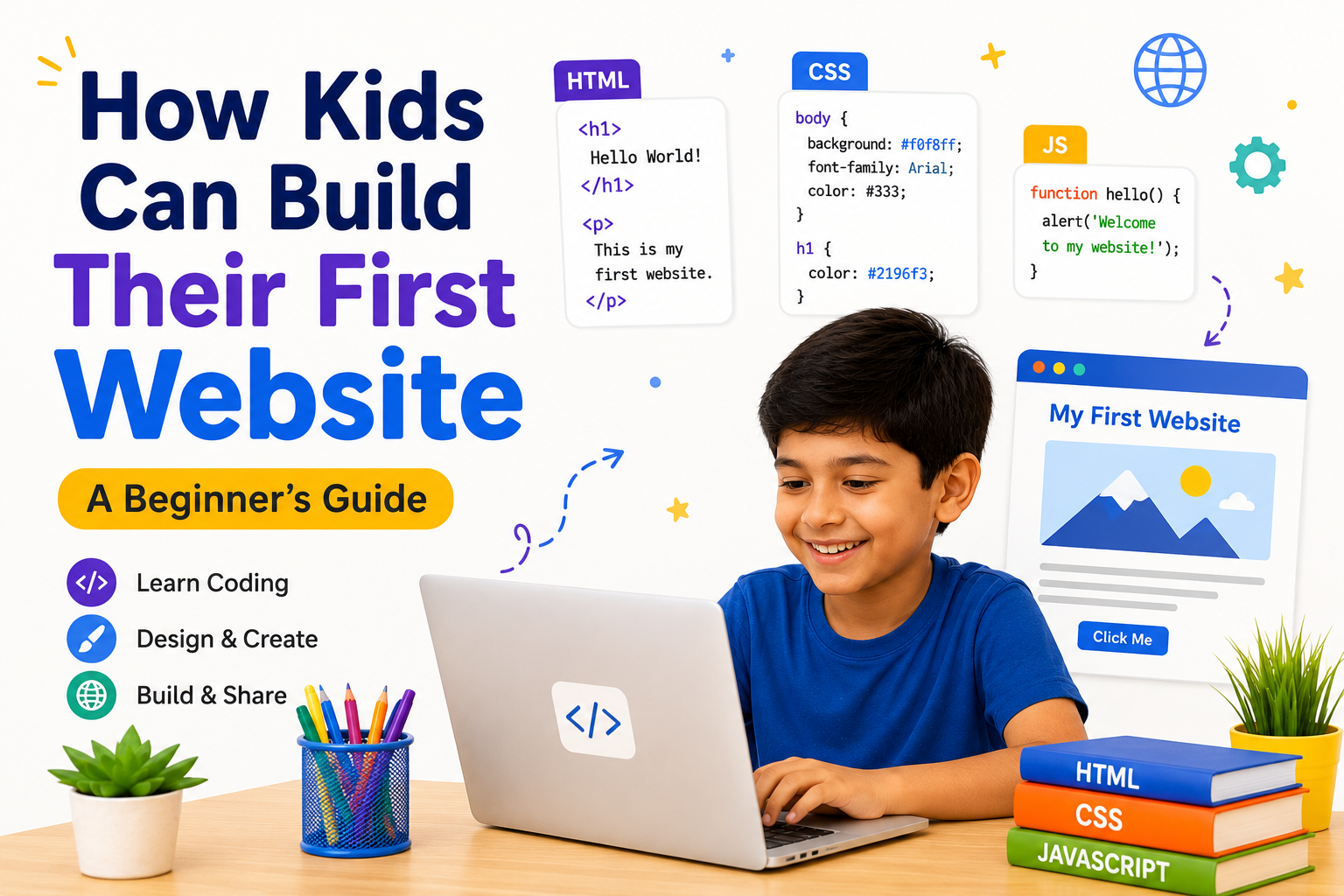
How Kids Can Build Their First Website: A Beginner's Guide
In today's digital world, websites are everywhere. From educational platforms and online games to shopping websites and social media, websites play an important role in our daily lives.
Have you ever wondered how these websites are created?
The exciting news is that kids can learn to build their own websites too! Website development is one of the best ways for children to begin their coding journey. It combines creativity, logical thinking, and technology to help young learners create something they can proudly share with others.
In this beginner's guide, we'll explore how kids can build their first website and why web development is a valuable skill for the future.
What is a Website?
A website is a collection of web pages that people can visit using a web browser like Chrome, Edge, or Safari.
Websites can be created for many purposes, including:
- Personal portfolios
- School projects
- Blogs
- Online stores
- Educational resources
- Games
- Business websites
Every website starts with simple building blocks that anyone can learn.
What Do Kids Need to Build a Website?
The good news is that children don't need expensive software or advanced programming knowledge to get started.
All they need is:
- A computer or laptop
- A web browser
- A simple text editor such as Visual Studio Code or Notepad++
- Curiosity and creativity
With these tools, kids can begin building their very first website.
Learn the Basics of HTML
HTML (HyperText Markup Language) is the foundation of every website.
It helps create the structure of a webpage by adding:
- Headings
- Paragraphs
- Images
- Buttons
- Links
- Lists
HTML acts like the skeleton of a website.
Make It Beautiful with CSS
Once the webpage structure is ready, CSS (Cascading Style Sheets) is used to improve its appearance.
CSS allows kids to:
- Change colors
- Add backgrounds
- Choose fonts
- Adjust spacing
- Create layouts
- Add animations
This is where creativity comes to life.
Add Interactivity with JavaScript
After learning HTML and CSS, kids can make websites interactive using JavaScript.
With JavaScript, they can create:
- Image sliders
- Quiz games
- Calculators
- Animations
- Interactive buttons
- Simple web games
This makes websites more engaging and enjoyable.
Fun Website Ideas for Kids
Children can start with simple projects such as:
Personal Profile Website
Introduce themselves with pictures, hobbies, and favorite activities.
School Project Website
Present assignments in an attractive and organized way.
Photo Gallery
Display favorite pictures using image galleries.
Hobby Blog
Write about sports, books, music, or travel.
Mini Business Website
Create a simple website for a fictional business to learn design and organization.
Each project builds confidence while improving coding skills.
Skills Kids Develop Through Website Building
Website development teaches much more than coding.
Children develop:
- Creativity
- Logical thinking
- Problem-solving
- Digital literacy
- Communication skills
- Design thinking
- Attention to detail
- Confidence
These skills are valuable in school and future careers.
Why Website Development is Important
Every business, organization, and entrepreneur needs a website.
Learning web development opens opportunities in fields such as:
- Software Development
- UI/UX Design
- Digital Marketing
- E-commerce
- Freelancing
- Entrepreneurship
Starting early gives children a strong advantage in the digital world.
How SmartTech Junior Helps Kids Learn Web Development
At SmartTech Junior, students learn website development through practical, project-based lessons. Instead of memorizing concepts, they build real websites using HTML, CSS, and JavaScript.
Students create interactive projects while developing creativity, coding skills, and confidence in a fun and supportive learning environment.
Tips for Parents
Parents can encourage their children by:
- Allowing time for creative coding projects.
- Celebrating every completed website.
- Encouraging experimentation and learning from mistakes.
- Helping children showcase their projects to family and friends.
Positive encouragement helps children enjoy learning and continue improving.
Conclusion
Building a website is one of the most exciting ways for kids to begin learning coding. It combines creativity with technology and allows children to turn their ideas into real digital experiences.
With HTML, CSS, and JavaScript, young learners can create websites, improve problem-solving skills, and gain confidence in technology.
Every great web developer started with a simple webpage—and your child's first website could be the beginning of an exciting journey into the world of coding.