
From Screens to Solutions: What Kids Learn When They Build Mobile Apps
Mobile apps have become an important part of everyday life. Children use apps for learning, communication, entertainment, games, and many other activities.
But what happens when children move from using apps to creating them?
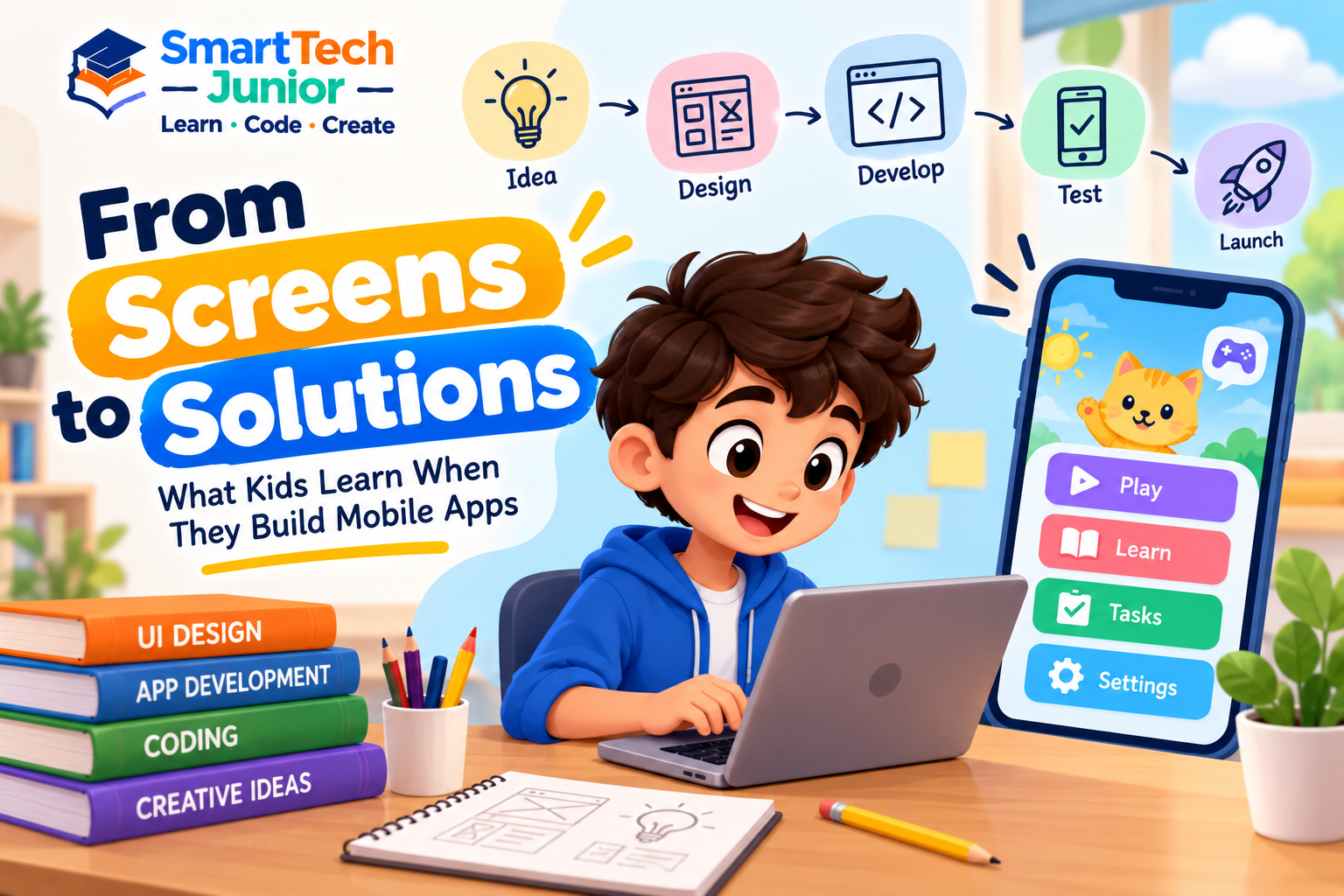
App development gives young learners an opportunity to understand how an application is planned, designed, developed, tested, and improved. It combines programming with creativity and problem-solving to turn an idea into a working digital product.
An App Starts with a Problem
Before writing code, developers need to understand what they are trying to solve.
Children can learn the same approach.
For example, a student might think about creating:
- A homework reminder app
- A simple quiz app
- A daily task tracker
- A learning app
- A fitness activity tracker
- A school event app
- A simple calculator
The first step is not coding. It is understanding the purpose of the application.
This encourages students to think about how technology can solve everyday problems.
Designing the Screen
Once the purpose of an app is clear, students can think about how users will interact with it.
They can decide:
- What should appear on the home screen?
- Where should the buttons be placed?
- What information should the user see?
- How should one screen connect to another?
- What should happen when a button is pressed?
This introduces children to basic concepts of UI design and user experience.
They begin to understand that a good application should not only work correctly but should also be easy for people to understand and use.
Turning Designs into Working Apps
After planning and designing, coding brings the application to life.
Students can learn how programming controls different parts of an app.
For example, code can determine what happens when a user:
- Clicks a button
- Enters information
- Moves between screens
- Completes a task
- Selects an option
- Submits a form
This allows children to see how programming concepts can create real interactions.
Learning Through Small Projects
Children do not need to begin by building a large application.
A small project can introduce important concepts step by step.
For example, a simple quiz app can teach students about:
- Creating screens
- Adding questions
- Accepting user input
- Checking answers
- Managing scores
- Moving between screens
- Displaying results
As students gain experience, they can combine these concepts to build more complex projects.
Testing Is Part of Creating
An app may look complete but still contain problems.
A button may not work correctly. A screen may display unexpected information. A calculation may produce the wrong result.
Testing helps students identify these issues.
They can learn to:
Build → Test → Find the Problem → Fix → Test Again
This introduces children to debugging and teaches them that creating technology is an iterative process.
App Development Builds Problem-Solving Skills
When students build an application, they constantly make decisions.
They need to determine how information should be stored, how screens should connect, and what should happen in different situations.
If something does not work, they need to investigate the reason.
This develops a structured approach to problem-solving.
Instead of immediately looking for an answer, students can learn to break a larger problem into smaller and more manageable parts.
Creativity Has a Place in App Development
App development is not only about programming.
Children can make creative decisions about:
- Colors
- Layouts
- Icons
- Screen designs
- Content
- Navigation
- User interactions
Two students can build applications that solve similar problems but design completely different experiences.
This gives children an opportunity to combine technical skills with creative thinking.
Learning to Think Like a Developer
Building an app encourages children to think about technology from the perspective of a creator.
Instead of asking only:
“How do I use this app?”
they can begin asking:
“How would I build this?”
That change in perspective can encourage curiosity about how software works.
Students begin thinking about users, features, problems, testing, and improvements—the same basic ideas involved in real software development.
What Skills Can Kids Develop Through App Development?
Through practical app projects, children can develop:
- Programming fundamentals
- UI design awareness
- Logical thinking
- Problem-solving
- Creativity
- Debugging skills
- Project planning
- Testing skills
- Digital product thinking
- Confidence with technology
These skills can be useful across many areas of technology.
Learning App Development at SmartTech Junior
At SmartTech Junior, students can explore app development through practical learning and project-based activities.
Instead of focusing only on programming concepts, students can apply what they learn to create working applications.
The learning process can help them understand the complete journey from idea and design to coding, testing, and improvement.
This gives students an opportunity to see how their technical knowledge can become something practical and interactive.
From Screens to Solutions
A mobile app may look like a collection of screens to its users.
For the person who creates it, however, every screen represents an idea, a design decision, a piece of code, and a problem that needs to be solved.
When children learn app development, they get the opportunity to experience that process themselves.
They learn that technology is not simply something they use every day.
It is something they can design, build, test, improve, and use to create solutions.