
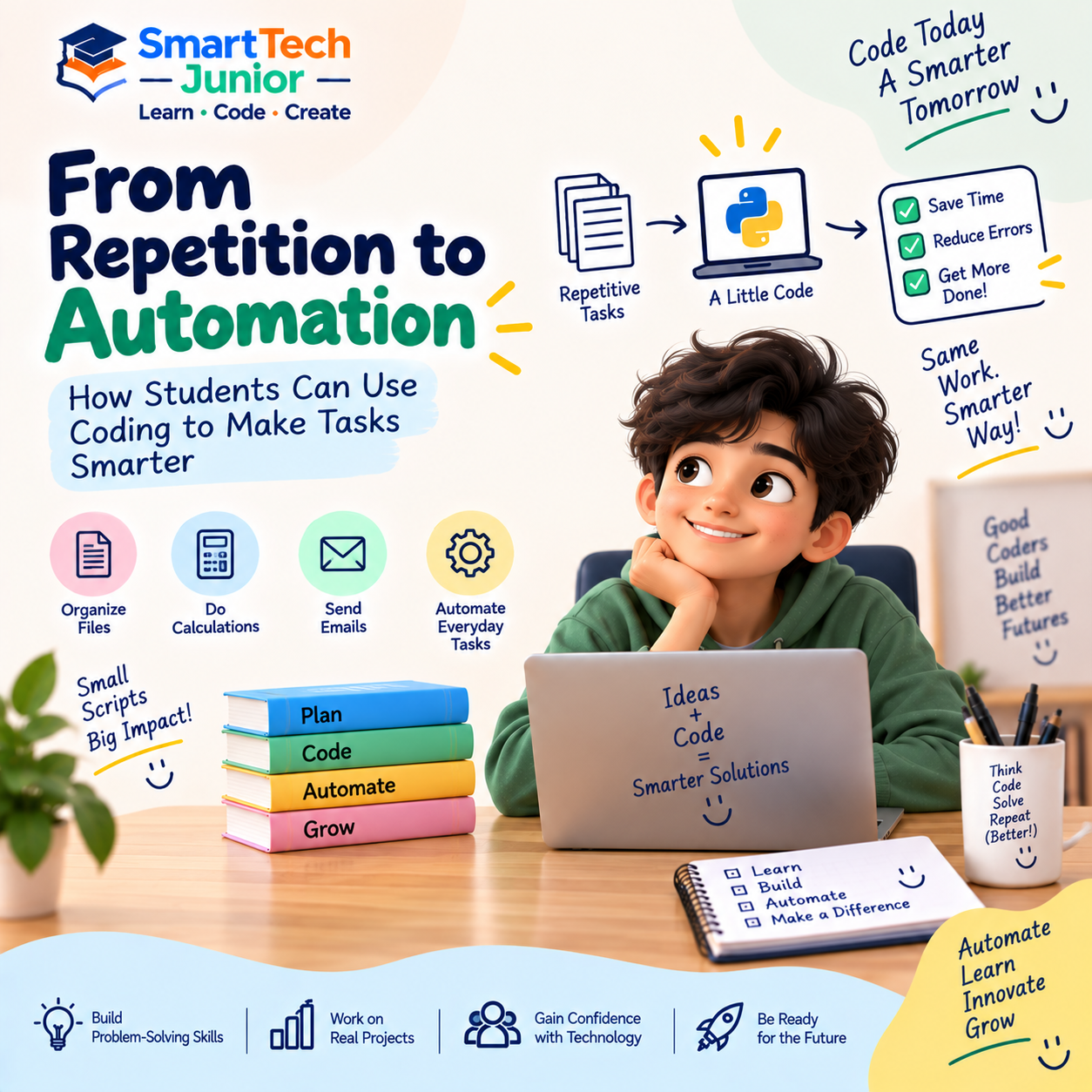
From Repetition to Automation: How Students Can Use Coding to Make Tasks Smarter
Imagine having to perform the same task again and again.
Checking information, organizing files, calculating numbers, or repeating the same set of instructions can take a lot of time.
What if a computer could handle some of that work automatically?
This is where automation and coding come together.
By learning programming, students can discover how to turn repetitive tasks into simple automated processes.
What Is Automation?
Automation means using technology to perform a task with little or no manual effort.
For example, instead of repeatedly performing the same steps yourself, a program can be written to carry them out automatically.
A simple idea is:
Task → Instructions → Program → Automatic Result
The computer follows the instructions provided by the programmer.
Why Is Coding Important for Automation?
Computers are good at following instructions repeatedly and consistently.
Coding allows students to give computers those instructions.
A program can tell a computer:
- What to do
- When to do it
- How many times to do it
- What to do when something changes
This makes programming an important foundation for automation.
A Simple Example
Imagine a student needs to calculate the total marks of several subjects.
Instead of manually adding every set of numbers, they could create a small program that performs the calculation.
The student provides the information, and the program processes it automatically.
This simple example demonstrates how coding can reduce repetitive work.
Loops Make Repetition Easier
One of the most useful programming concepts for automation is the loop.
A loop allows a program to repeat instructions without writing the same code again and again.
For example:
Repeat → Read information → Process it → Store the result
This concept can be used in many different programs.
Students can therefore learn that repetition in programming doesn't always mean writing more code—it can mean writing smarter code.
Automation with Python
Python is particularly useful for introducing students to automation because its syntax is relatively easy to understand and it can be used for many different types of tasks.
Students can explore simple automation projects such as:
- Organizing files
- Performing calculations
- Processing text
- Generating simple reports
- Renaming files
- Working with data
- Automating repetitive actions
These projects help students understand how programming can be applied beyond traditional exercises.
Automation Starts with Identifying a Problem
Good automation doesn't begin with code.
It begins with identifying a repetitive task.
Students can ask:
Do I perform this task repeatedly?
Does it follow a predictable process?
Could a computer follow these instructions?
If the answer is yes, the task may be suitable for automation.
This encourages students to think about technology from a problem-solving perspective.
From Problem to Program
Students can approach an automation project through a simple process:
1. Identify
Find a repetitive or time-consuming task.
2. Understand
Break the task into individual steps.
3. Plan
Decide what instructions the computer needs.
4. Code
Write the program.
5. Test
Check whether it works correctly.
6. Improve
Make the process faster, simpler, or more reliable.
This approach teaches students how real programmers think about problems.
Automation Encourages Logical Thinking
When creating an automated solution, students need to break a large task into smaller instructions.
For example:
Collect information → Check information → Process information → Produce result
This process strengthens logical and structured thinking.
Students learn that computers need clear instructions because they cannot simply guess what the programmer means.
What Can Students Automate?
The possibilities depend on their programming level.
Beginners can start with simple tasks such as:
- Calculations
- Number processing
- Text processing
- File organization
- Simple data handling
More experienced students can explore larger projects involving:
- APIs
- Databases
- Data processing
- Web automation
- Scheduled tasks
The important part is starting with a problem that is understandable and gradually increasing the complexity.
Automation Is More Than Saving Time
Automation isn't only about making tasks faster.
It can also help students understand how technology is used in real-world environments.
Businesses, developers, researchers, and engineers use automation to reduce repetitive work and create efficient workflows.
Learning these concepts early can help students see programming as a practical problem-solving tool.
Building Instead of Just Using
Students use automated systems every day without necessarily thinking about how they work.
Learning coding allows them to look at technology differently.
Instead of asking:
“How can I use this?”
They can begin asking:
“How could I build something that does this automatically?”
That shift from user to creator is an important part of technology education.
Learning Automation at SmartTech Junior
At SmartTech Junior, students can explore programming through practical projects that connect coding concepts with real-world applications.
Automation-based activities can help learners understand how programming can be used to simplify repetitive tasks and create useful solutions.
Through project-based learning, students can practise planning, coding, testing, debugging, and improving their own ideas.
From Small Scripts to Bigger Solutions
A small automation project can be the beginning of a much larger learning journey.
A simple program that processes information can lead to an interest in data.
A file automation project can introduce students to software tools.
A Python automation project can eventually lead toward more advanced programming and AI applications.
The key is to start small and build gradually.
Conclusion
Coding isn't only about creating games, websites, or applications.
It can also help students make repetitive tasks smarter.
By learning how to identify problems, break them into steps, and create programs that perform those steps automatically, students develop practical programming and problem-solving skills.