
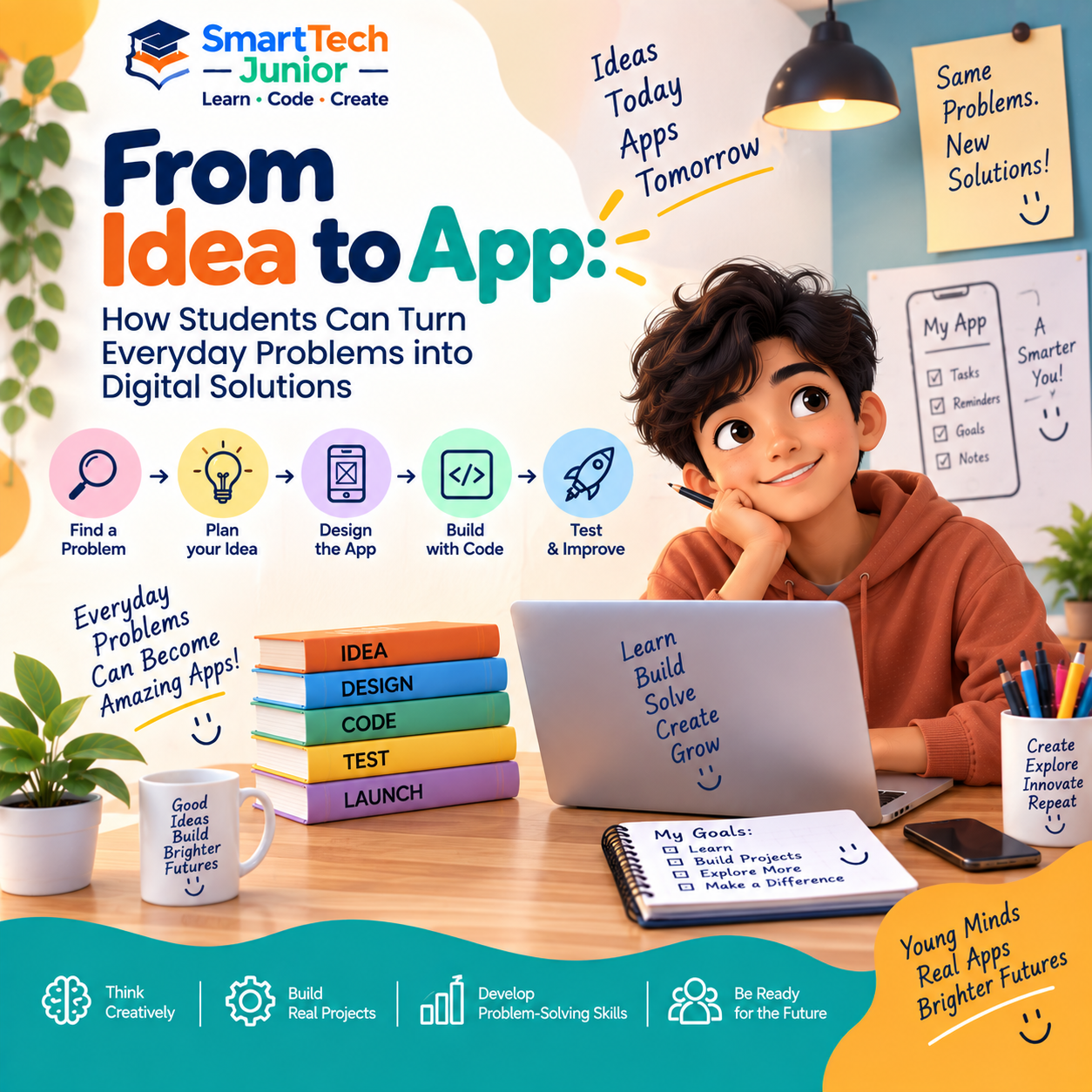
From Idea to App: How Students Can Turn Everyday Problems into Digital Solutions
Many of the apps people use every day started with a simple idea: there must be an easier way to do this.
For students, app development provides an opportunity to think about everyday problems and explore how technology could help solve them.
Instead of only using apps, students can learn how to plan, design, build, and test their own digital solutions.
Every App Starts with a Problem
Before creating an app, it is useful to identify a problem.
Students can look at situations they experience at school, at home, or in their daily routines.
For example:
- Keeping track of homework
- Creating a study schedule
- Managing a to-do list
- Practising quiz questions
- Tracking personal goals
- Organizing notes
A simple problem can become the starting point for an interesting application.
Turning an Idea into a Solution
Once a problem has been identified, the next question is:
How can an app help?
Students can think about what the application should do and what features users would need.
For example, a study-planning app might allow users to:
- Add subjects
- Create tasks
- Set deadlines
- Mark tasks as completed
- View their progress
This process teaches students to turn a general idea into a structured solution.
Planning Before Building
Good applications usually begin with planning.
Students can sketch their ideas on paper before writing any code.
They can decide:
- What screens are required?
- What should each screen contain?
- How will users move between screens?
- What happens when a button is pressed?
- What information needs to be stored?
Planning helps learners understand that software development involves thinking before building.
Designing the User Experience
An app should not only work—it should also be easy to use.
Students can think about:
- Button placement
- Navigation
- Screen layout
- Text
- Images
- Colors
- User interaction
This introduces young learners to the relationship between technology and design.
Bringing the App to Life with Code
Once the idea and design are ready, programming can turn them into a working application.
Students can learn how code controls:
- Buttons
- Forms
- Screens
- User input
- Calculations
- Navigation
- Application logic
Each feature becomes an opportunity to apply programming concepts in a practical situation.
Testing the Application
The first version of an app may not work exactly as expected.
A button might not respond. A calculation could produce the wrong result. A screen might not display correctly.
Testing helps students identify these problems.
A simple development cycle is:
Build → Test → Find Problems → Fix → Improve
This teaches students that creating software is an ongoing process.
Learning from Mistakes
Errors are a natural part of programming.
When something doesn't work, students can investigate what happened instead of simply starting again.
They can ask:
What did I expect to happen?
What actually happened?
Where could the problem be?
This encourages analytical thinking and helps students become more comfortable with debugging.
Apps Can Solve Real Problems
One of the most exciting parts of app development is seeing an idea become useful.
A student could create a simple application for:
- Learning
- Organization
- Productivity
- Entertainment
- School activities
- Personal projects
Even a small application can demonstrate that technology can be used to address real needs.
From Simple Apps to Bigger Ideas
Students don't have to build a complex application from the beginning.
They can start with a small project and gradually add features.
For example:
Calculator → Study Calculator → Student Toolkit App
Or:
To-Do List → Study Planner → Complete Productivity App
This allows students to develop their skills step by step.
App Development Combines Different Skills
Building an application involves more than programming.
Students can develop skills in:
- Problem-solving
- Planning
- Design
- Programming
- Creativity
- Testing
- Communication
- Logical thinking
This makes app development a practical way to bring several skills together.
What Can Students Create?
Depending on their age and experience, students can explore projects such as:
- Quiz apps
- Calculator apps
- To-do apps
- Educational apps
- Habit trackers
- Simple games
- Study planners
- Productivity tools
The goal isn't simply to create a large application. It is to understand the process of turning an idea into something functional.
Learning App Development at SmartTech Junior
At SmartTech Junior, students can explore app development through practical, project-based learning.
Instead of only learning programming concepts separately, students can apply those concepts while creating applications.
This approach allows young learners to experience the complete journey:
Idea → Plan → Design → Build → Test → Improve
Creating Instead of Only Consuming
Children interact with mobile applications every day.
Learning app development gives them another perspective.
Instead of asking only “How do I use this app?”, they can begin asking:
“How was this built?”
“Could I create something like this?”
“What problem could my app solve?”
That change in mindset can encourage children to become active creators of technology.
Conclusion
A great application doesn't always begin with a complicated idea.
Sometimes, it begins with a simple everyday problem and a question:
“Can technology make this easier?”
By learning app development, students can explore how ideas become designs, designs become code, and code becomes useful digital solutions.
With the right guidance and hands-on practice, today's small student project could become the starting point for tomorrow's big idea.