
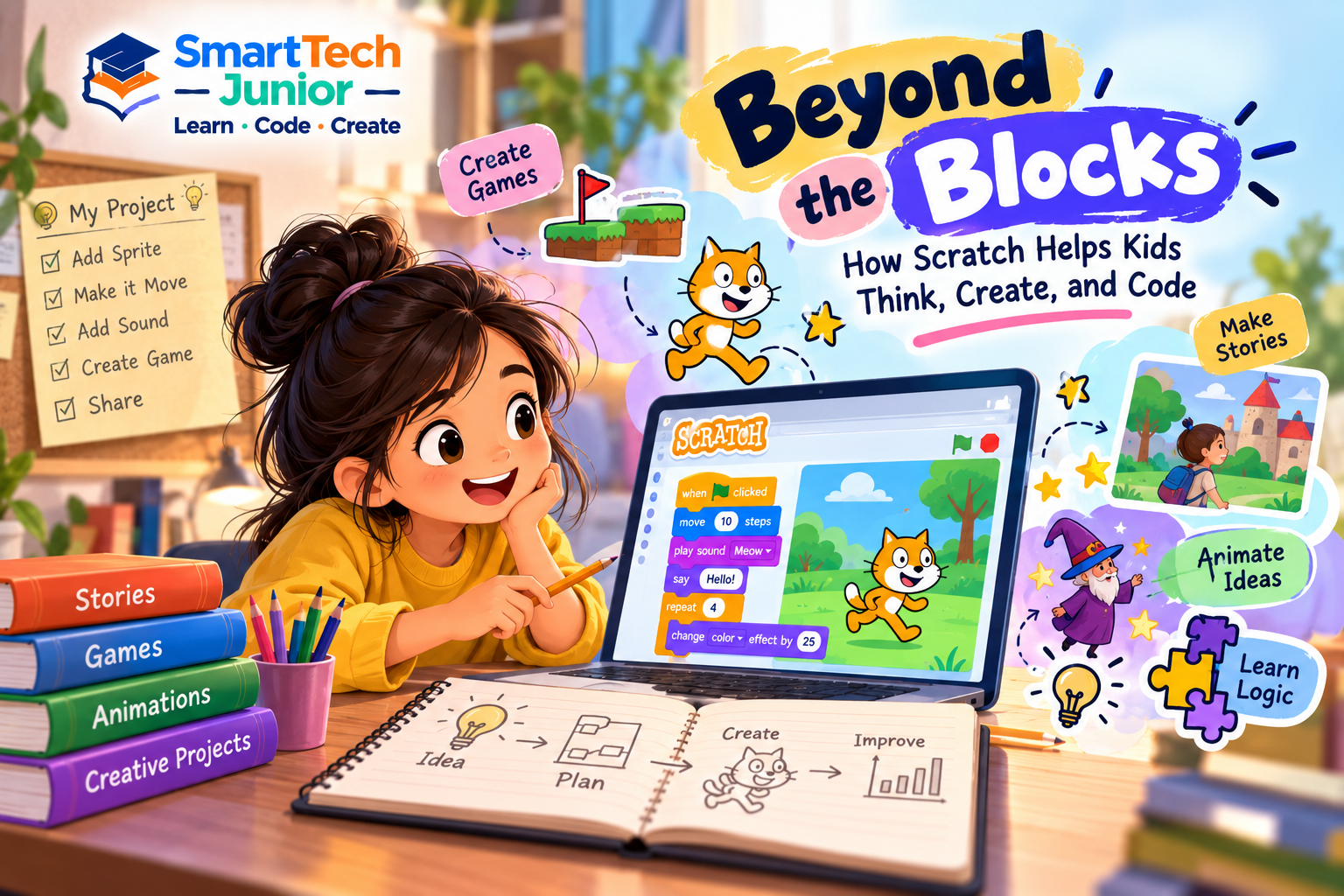
Beyond the Blocks: How Scratch Helps Kids Think, Create, and Code
For many children, programming can initially seem difficult because traditional programming languages require them to remember syntax and follow strict coding rules.
Scratch offers a different starting point.
Through colorful visual blocks, children can explore programming concepts by connecting instructions together and immediately seeing what happens. This makes coding more interactive while giving young learners a foundation for understanding how programs work.
What Is Scratch?
Scratch is a visual programming environment designed to help learners explore coding through blocks.
Instead of typing long lines of code, students can drag and connect blocks that represent programming instructions.
They can use blocks to control:
- Characters
- Movement
- Sounds
- Animations
- Variables
- Events
- Conditions
- Repeated actions
This allows children to focus more on understanding programming logic and less on remembering complicated syntax.
Coding Becomes Something Children Can See
One of the interesting aspects of Scratch is the immediate connection between an instruction and its result.
A child can make a character move, change its appearance, play a sound, or respond to another action.
For example, a simple project might contain an instruction such as:
When the game starts → move the character → check for an obstacle → change direction
Students can see how individual instructions combine to create behavior.
This helps introduce the idea that programs are built from a sequence of logical instructions.
Scratch Encourages Creativity
Scratch is not limited to one type of project.
Children can create:
- Interactive stories
- Simple games
- Animations
- Quizzes
- Digital artwork
- Educational projects
- Interactive presentations
Students can choose their own characters, backgrounds, sounds, and story ideas.
This gives them freedom to experiment while learning programming concepts.
Learning Important Programming Concepts
Although Scratch uses visual blocks, it introduces many fundamental programming ideas.
Events
Students can make a program start when something happens, such as clicking a button or pressing a key.
Loops
Loops allow instructions to be repeated without writing the same instruction again and again.
Conditions
Students can teach their projects to make decisions based on different situations.
Variables
Variables can be used to store information such as scores, points, lives, or other values.
Messages
Different characters or parts of a project can communicate with one another using messages.
These concepts provide a useful foundation for understanding text-based programming later.
Scratch Helps Children Think Like Programmers
Programming is not only about writing code.
It is also about thinking through a problem.
When creating a Scratch project, students may need to decide:
What should happen first?
What should happen next?
What happens if the player makes a mistake?
How can the project respond to different actions?
This encourages children to break larger ideas into smaller steps—a fundamental part of computational thinking.
Mistakes Become Part of Learning
A Scratch project may not work exactly as expected.
A character might move too far. A score may not change correctly. A condition might produce an unexpected result.
Students can investigate what happened and modify their blocks.
This introduces children to debugging in a simple and visual way.
They learn that making mistakes is a normal part of creating technology and that problems can often be solved through testing and experimentation.
Building Confidence Through Projects
Completing a Scratch project gives children something tangible to show.
They can run their game, share an animation, or demonstrate an interactive story they created.
This can make programming feel more achievable and encourage students to try increasingly challenging projects.
The progression might look like:
Simple Animation → Interactive Story → Mini Game → Advanced Game Project
Each project can introduce new programming concepts while allowing students to build on what they already know.
Scratch Can Be a Starting Point for Text-Based Coding
Scratch does not have to be the final destination.
After becoming comfortable with concepts such as loops, conditions, variables, and events, students can gradually transition to text-based programming languages.
Languages such as Python can then introduce them to traditional programming syntax.
The important part is that students already understand many of the underlying programming ideas.
What Skills Can Kids Develop Through Scratch?
Learning Scratch can help children develop:
- Logical thinking
- Computational thinking
- Creativity
- Problem-solving
- Programming fundamentals
- Storytelling
- Debugging skills
- Project planning
- Experimentation
- Digital confidence
These skills can support learning in other technology-related areas as well.
Learning Scratch at SmartTech Junior
At SmartTech Junior, children can explore coding through practical Scratch projects that combine programming with creativity.
Students can learn how different coding concepts work while creating their own games, animations, stories, and interactive projects.
The focus can move beyond simply connecting blocks. Students can learn to plan an idea, build it, test it, identify problems, and improve the final project.
Beyond the Blocks
Scratch may begin with colorful blocks, but the learning goes much further.
Children learn how instructions create actions, how programs make decisions, how variables store information, and how different pieces of code work together.
Most importantly, Scratch gives young learners an opportunity to discover that coding is not just about computers.
It is a way to think, create, experiment, solve problems, and turn ideas into interactive experiences.